




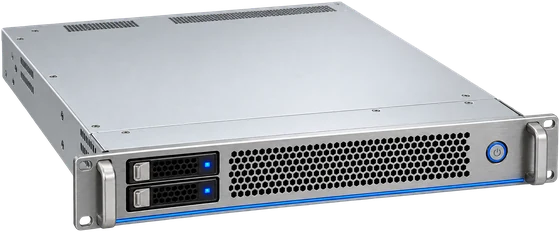
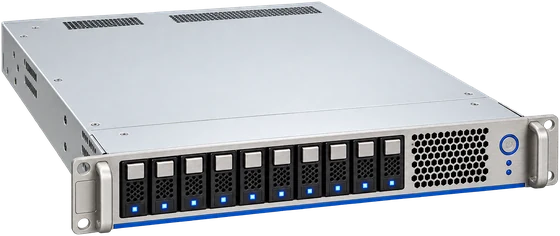
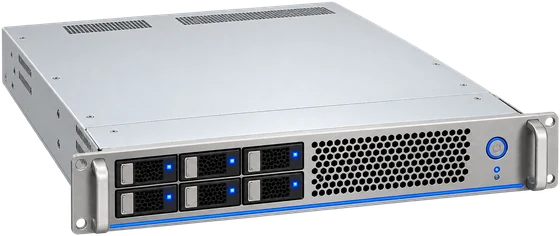















Every server has a baseboard management controller, an ASPEED AST2600, on a separate management network. It gives you the screen, the keyboard and the power button of the machine whatever state the operating system is in, which is what you need to install a system of your own, read a kernel panic or undo a network setting that cut you off.
1. Open the console
On the Console tab of your server, choose Open iKVM. The console opens in a new browser tab, with no plugin and no Java, and accepts connections only from the IP address you opened it from. A session lasts up to four hours, ends when you close the tab, and appears in the audit log of your account.
The console uses the keyboard layout of your browser. If characters come out wrong at a login prompt, change the layout in the console toolbar before you type a password.
2. Mount an ISO
Under Virtual media, paste the HTTPS address of the image, for example the netinst image of Debian or the installer of your hypervisor, and choose Mount. The controller reads the file from that address as the installer needs it, so an image on a fast mirror close to the data center installs quickest. You can also upload an ISO of up to 10 GB from your computer, which we keep for 24 hours.
3. Boot from it once
Choose Boot once from virtual media, then Power › Reset. The setting applies to the next start only: after the installation, the server boots from its drives again without any change to the firmware settings.
4. Install, then unmount
Install as you would on a machine on your desk, keeping two things in mind:
- the drives appear as NVMe devices (
/dev/nvme0n1,/dev/nvme1n1) on most models, and Permafrost storage servers add SATA disks (/dev/sdaand up); - the public interface receives its address over DHCP during the installation, so you can leave it on automatic and set a static configuration afterwards with the values shown on the Network tab.
When the installer asks for a restart, unmount the image under Virtual media so that the machine does not start the installer again.
Power control without the console
The Power menu works on its own as well. Restart sends an ACPI signal and lets the system shut down cleanly, Reset restarts the machine at once, and Power off keeps it off until you start it again. Use Reset only when the system no longer responds, because anything not yet written to disk is lost.